
The Complete Guide to Business Backups
Backups are one of the most critical parts of your IT environment.
But for most businesses, they’re also one of the most misunderstood.
You don’t need a complicated system—you need the right system.
This guide breaks it down in simple terms.
📁 Local Backup (Onsite Backup)
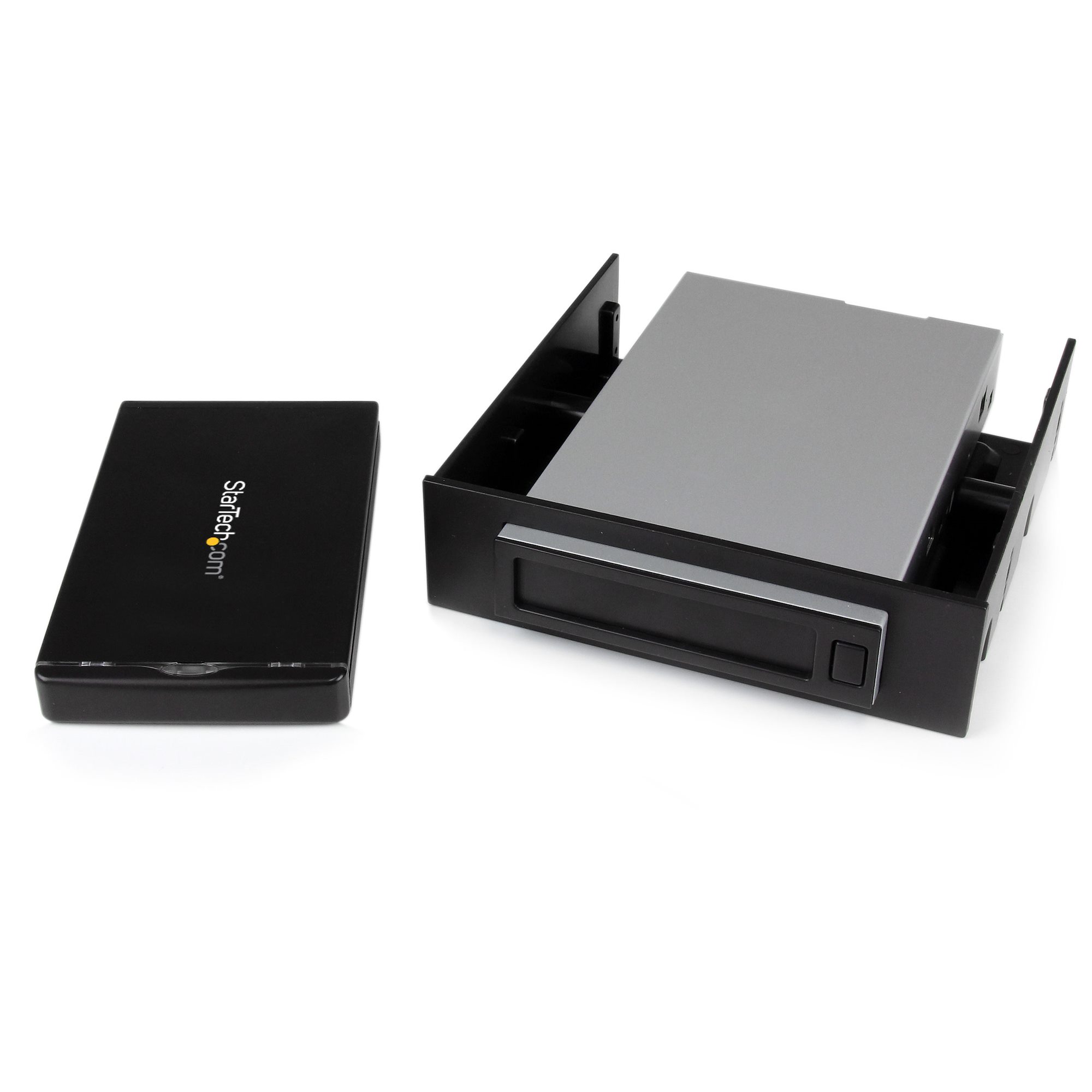
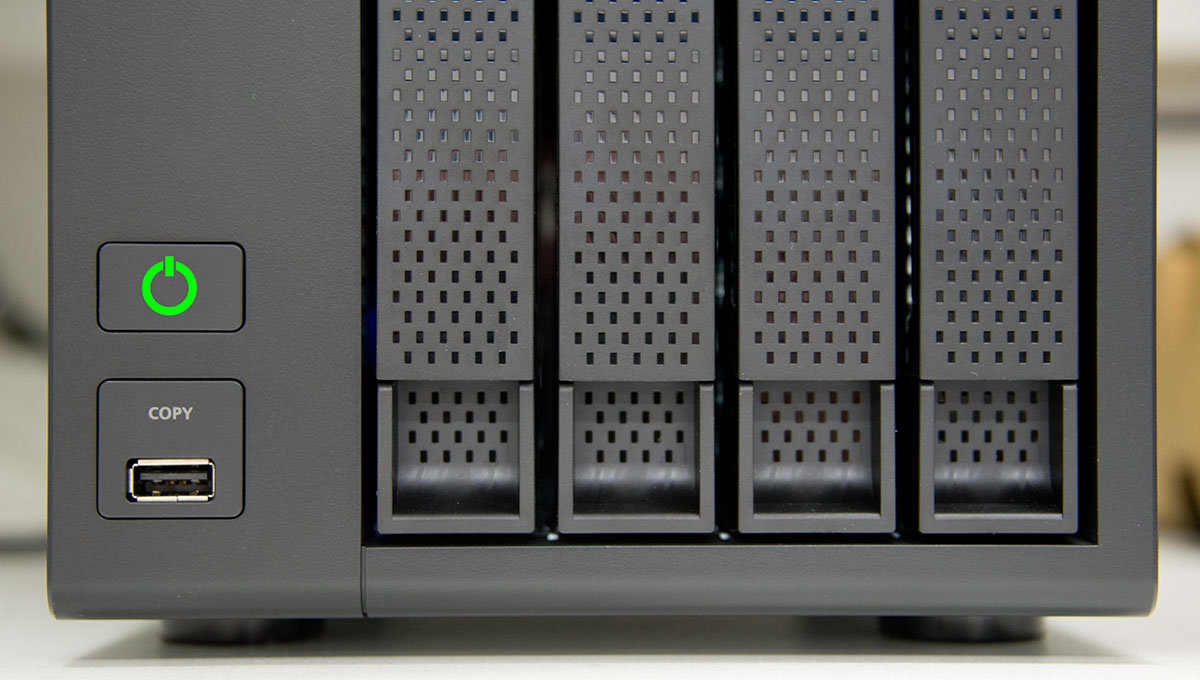
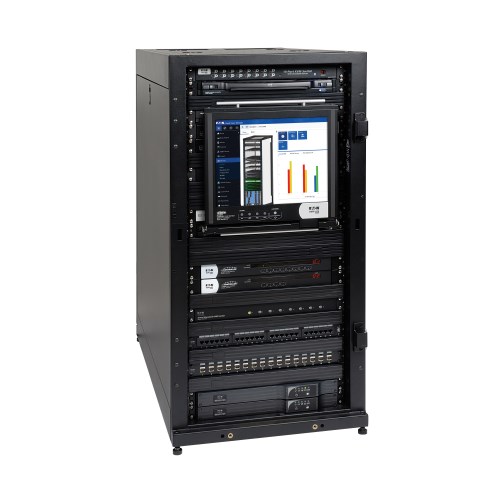
Local backups are stored physically at your business location.
✔ Pros:
- Fast recovery (minutes, not hours)
- No internet dependency
- Ideal for quick file restores
❌ Cons:
- Vulnerable to:
- Fire
- Theft
- Hardware failure
- Ransomware
👉 If your office is affected, your backup may be too.
☁️ Cloud Backup (Offsite Backup)

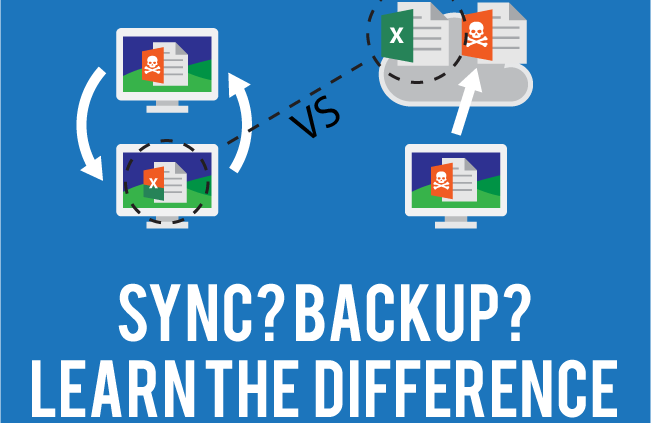
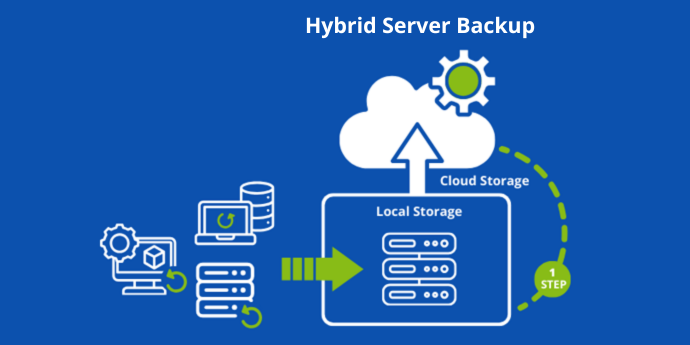
Cloud backups store your data offsite in secure data centers.
✔ Pros:
- Protected from local disasters
- Accessible from anywhere
- Scalable storage
❌ Cons:
- Slower recovery for large data
- Dependent on internet speed
👉 Best for full disaster recovery scenarios.
🔄 Hybrid Backup (The Best of Both)
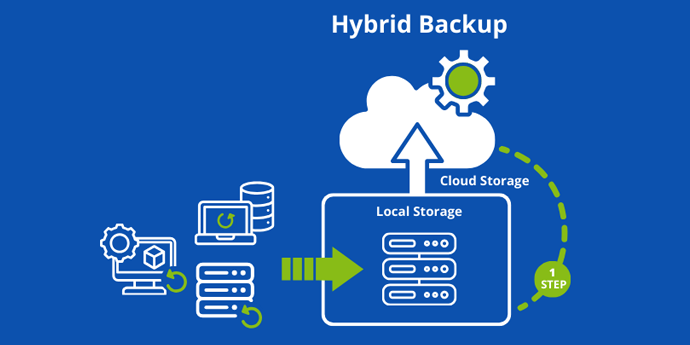
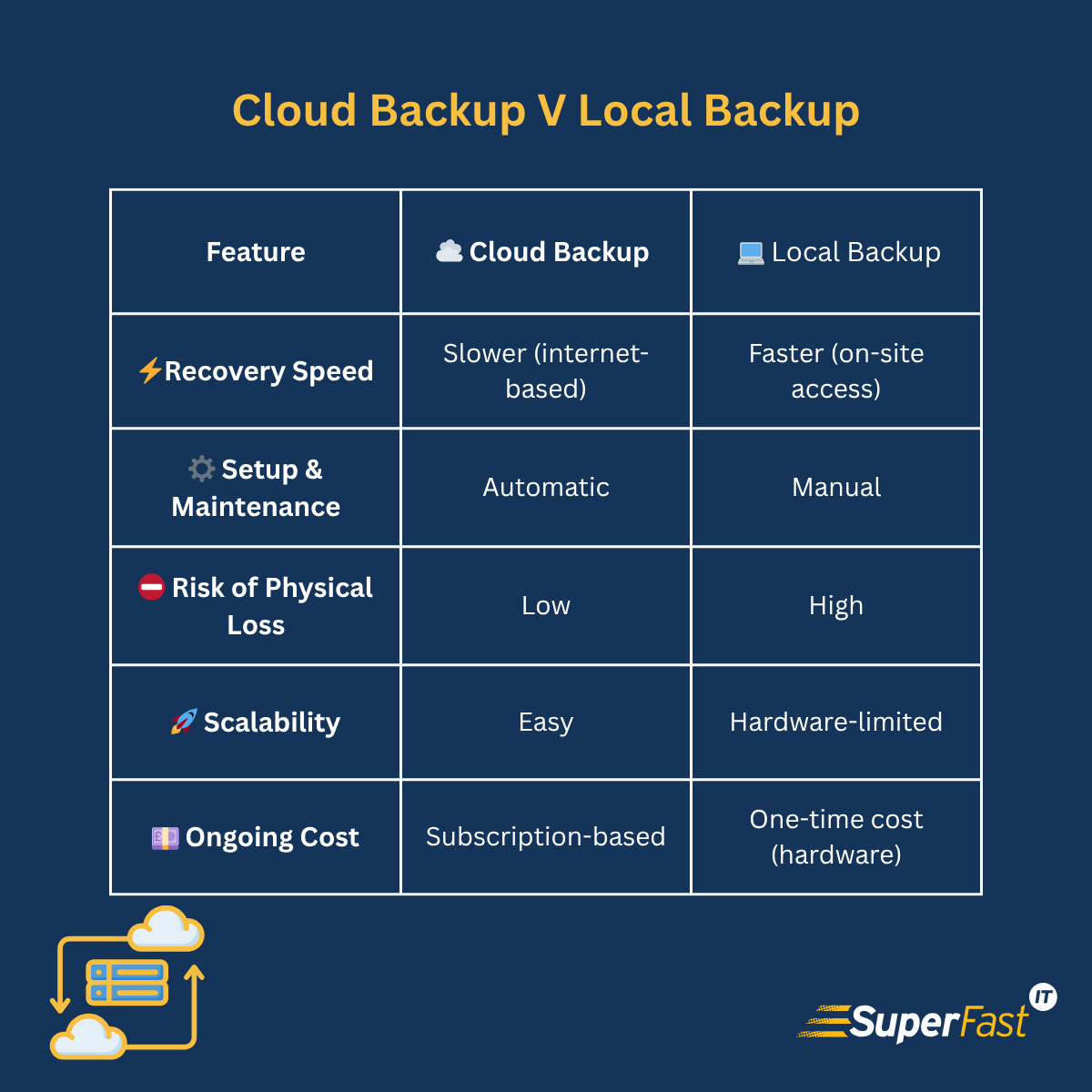

Hybrid backup combines local + cloud.
✔ Why It’s Best:
- Fast local recovery
- Full offsite protection
- Redundancy built in
👉 This is the recommended approach for most businesses in 2026.
⚠️ What Most Businesses Get Wrong
Even when backups exist, they often fail when needed.
Common issues:
❌ Backups not running
❌ No monitoring
❌ No offsite copy
❌ No testing
❌ Manual processes
👉 “We think it’s backing up” is not a strategy.
🧪 Why Testing Matters
A backup is useless if it can’t be restored.
You should regularly:
- Test file recovery
- Test full system restores
- Verify backup integrity
👉 This is where many businesses fail.
⏱️ Recovery Time Matters
Ask yourself:
👉 How fast do you need to be back up?
- Minutes? → Local backup
- Hours? → Cloud backup
- Immediate + full recovery? → Hybrid
🔐 Protection Against Ransomware
Modern backups must include:
- Versioning (restore older files)
- Immutable storage (can’t be altered)
- Isolation from the main network
👉 Without this, backups can be encrypted too.
🧠 Simple Recommendation
For most businesses:
✔ Use hybrid backups (local + cloud)
✔ Automate everything
✔ Monitor backup health
✔ Test regularly
🚫 If You Only Do One Thing…
Make sure:
👉 You can restore your data quickly and reliably
Everything else is secondary.
📞 Need a Backup That Actually Works?
At Blackhawk MSP, we design backup systems that:
- Recover fast
- Protect against disasters
- Ensure business continuity
So you’re never left guessing if your data is safe.
📞 1-925-218-4000
🌐 https://blackhawkmsp.com