
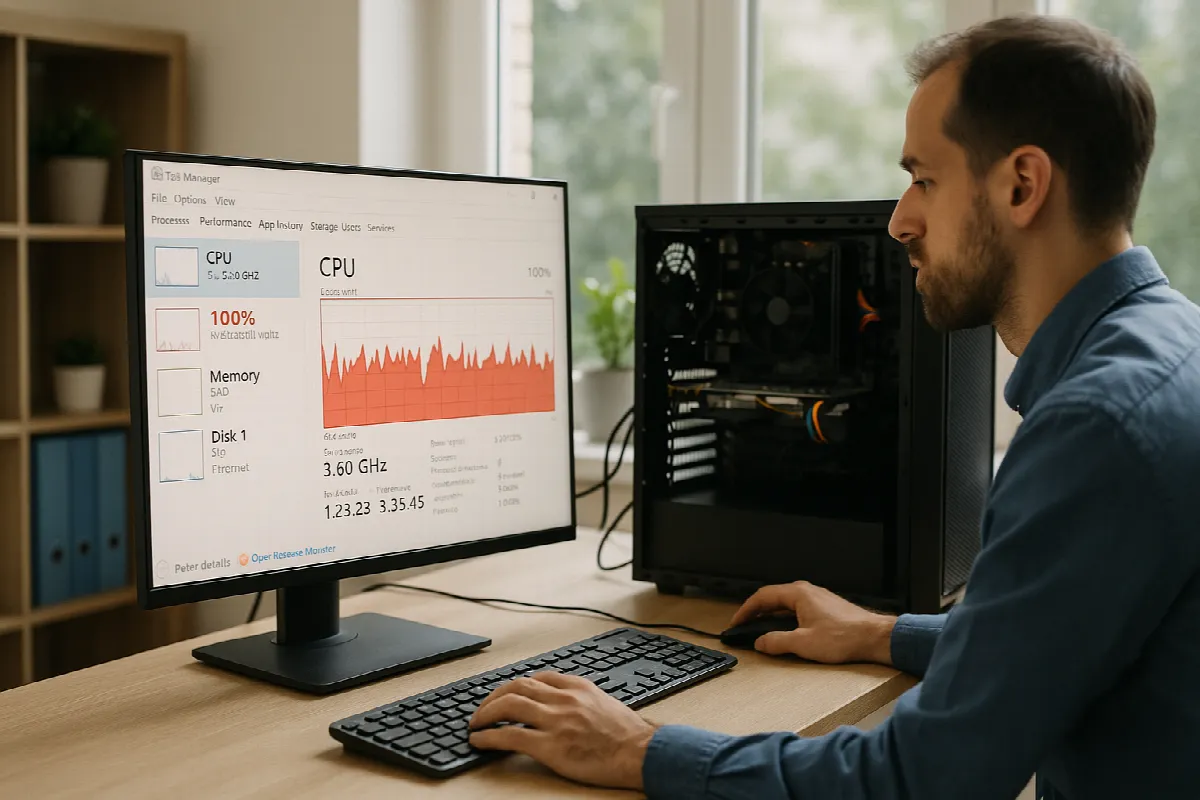
High CPU Usage Fixes for East Bay Businesses
High CPU usage can slow an entire workday to a crawl. For small and mid-sized businesses in San Ramon, Walnut Creek, Dublin, Pleasanton, and the greater East Bay, a few sluggish Windows PCs can quickly affect customer service, accounting, scheduling, and team productivity. The good news: high CPU usage does not always mean you need new hardware. In many cases, the right troubleshooting steps, updates, and IT management practices can bring performance back under control.
Common Windows CPU Spikes in East Bay Offices
One of the most common causes of high CPU usage in Windows is background activity. Windows Update, Microsoft Defender scans, OneDrive syncing, Teams, Outlook indexing, and line-of-business applications can all compete for processor time. In an East Bay office where employees rely heavily on Microsoft 365, shared files, and cloud apps, these background tasks can stack up and make a computer feel frozen or unresponsive.
Another frequent issue is startup overload. Many PCs accumulate applications that launch automatically when the user signs in: printer utilities, chat tools, browser helpers, VPN clients, backup agents, and vendor software. Individually, these programs may seem harmless, but together they can create a heavy CPU load before the employee even opens their first spreadsheet or browser tab.
Malware, outdated software, and misconfigured security tools can also cause CPU spikes. A poorly optimized antivirus scan, a browser infected with unwanted extensions, or an old application stuck in a crash loop can keep the processor running at high levels. For businesses handling client information, financial records, or healthcare-related data, it is important to treat recurring CPU issues as both a performance problem and a potential cybersecurity concern.
Practical Fixes Before You Replace Hardware
Start by checking Task Manager. Press Ctrl + Shift + Esc, select the Processes tab, and sort by CPU to see what is using the most resources. If one application is consistently at the top, close it and reopen it, then check whether the issue returns. This simple step often identifies whether the problem is related to a browser, Microsoft Teams, Outlook, an accounting platform, or another business-critical app.
Next, review startup apps and updates. In Windows, go to Settings > Apps > Startup and disable unnecessary programs that do not need to launch automatically. Then confirm Windows, Microsoft 365 apps, device drivers, and key business applications are current. Updates can fix performance bugs, but they should be handled carefully in a business environment so they do not interrupt work during busy hours.
It is also worth checking browser behavior, especially if your team uses cloud-based tools all day. Too many open tabs, outdated extensions, or resource-heavy web apps can drive CPU usage up. Encourage employees to close unused tabs, remove unnecessary extensions, and restart browsers periodically. If several employees report similar slowdowns, the issue may be related to a shared app, network condition, or endpoint management policy rather than a single PC.
When to Call Blackhawk MSP for CPU Issues
If high CPU usage keeps coming back, affects multiple users, or interferes with daily operations, it is time to bring in professional IT support. Blackhawk MSP can help determine whether the cause is software, hardware, malware, cloud syncing, endpoint security, or a larger environment issue. We look beyond the obvious symptoms so your team is not stuck repeating the same temporary fixes.
For East Bay SMBs, managed IT support can prevent many performance problems before they become disruptive. With proactive monitoring, patch management, cybersecurity tools, Microsoft 365 administration, backup oversight, and responsive helpdesk support, your systems can be maintained more consistently. That means fewer surprise slowdowns, fewer emergency troubleshooting sessions, and a better experience for your employees.
There are also times when hardware really is the bottleneck. Older PCs with limited memory, aging processors, or failing storage drives may struggle with today’s business workloads. Blackhawk MSP can help you decide whether a repair, upgrade, or replacement makes the most sense, so you avoid wasting money on unnecessary hardware while still keeping your business productive.
High CPU usage in Windows is frustrating, but it is often fixable with the right approach. If your San Ramon or East Bay business is dealing with slow PCs, recurring performance issues, or uncertainty about when to upgrade, Blackhawk MSP is here to help. Contact us for friendly, practical IT support that keeps your team moving.