Overheating Laptop Fixes for East Bay Teams
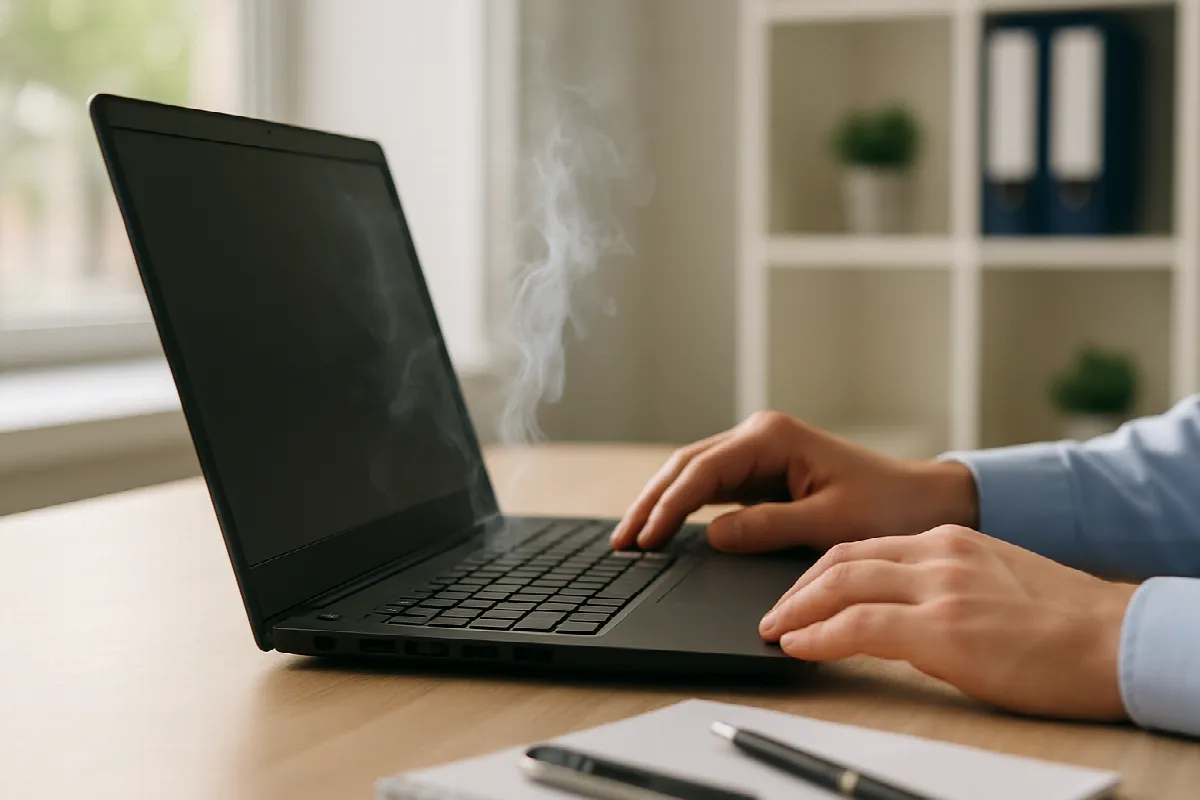
Overheating laptops can slow down your team, shorten device lifespan, and turn a normal workday into a frustrating one. For small and mid-sized businesses in San Ramon and across the East Bay, laptop heat issues often show up during video meetings, Microsoft 365 work, cloud app usage, or long days of multitasking. The good news: many overheating problems can be reduced with a few practical steps, and persistent issues can be handled quickly with the right IT support.
Why East Bay Business Laptops Overheat at Work
Business laptops are often pushed harder than people realize. A typical employee may have Outlook, Teams, Excel, a browser with many tabs, security software, cloud backup tools, and line-of-business apps running at the same time. That workload can cause the processor and memory to work harder, which creates more heat—especially on thinner laptops with limited airflow.
The local work environment can also play a role. In the East Bay, teams may move between offices, home workspaces, coworking rooms, client sites, and vehicles throughout the day. Laptops used on soft surfaces like couches, beds, or even stacks of paperwork can have their vents blocked, trapping heat inside the device.
Dust and age are common factors too. Over time, fans and vents collect debris, batteries degrade, and thermal components become less effective. If your business devices are several years old, overheating may be a sign that they need maintenance, replacement planning, or a closer look from your IT provider.
Quick Cooling Fixes Your Team Can Try Today
Start with airflow. Place the laptop on a hard, flat surface and make sure the vents are not blocked. If employees use laptops for long stretches, a basic laptop stand or cooling pad can help improve ventilation and make the workstation more comfortable.
Next, reduce unnecessary workload. Close unused browser tabs and applications, restart the laptop if it has been running for days, and check whether large updates or background sync tools are running during busy work hours. For teams using Microsoft 365, OneDrive, Teams, and other cloud apps, a simple restart and cleanup can often make a noticeable difference.
It also helps to keep devices updated. Operating system updates, firmware updates, and manufacturer driver updates can improve power management and fan behavior. That said, businesses should avoid having every employee troubleshoot this on their own; a managed IT approach helps ensure updates are tested, scheduled, and applied safely without disrupting the workday.
When to Call Blackhawk MSP for Laptop Help
If a laptop keeps overheating, shuts down unexpectedly, gets unusually loud, or becomes too hot to touch, it is time to get professional help. These symptoms may point to failing fans, battery problems, malware, overloaded startup apps, or hardware that is no longer a good fit for the employee’s workload.
Blackhawk MSP helps East Bay businesses troubleshoot laptop issues through responsive helpdesk support, proactive monitoring, and managed IT services. We can review device health, check performance, confirm security tools are working properly, and help determine whether repair or replacement makes the most sense.
Overheating can also connect to broader IT needs. If employees are relying on aging laptops, inconsistent backup, or unmanaged software updates, your business may be exposed to downtime and security risks. We can help with device lifecycle planning, cybersecurity, Microsoft 365 support, backup solutions, and practical recommendations that fit your team’s budget.
If overheating laptops are slowing down your San Ramon or East Bay team, Blackhawk MSP can help you get to the root of the problem and keep your people productive. Contact us today for friendly, practical IT support.