
PC Wont Turn On Troubleshooting for East Bay SMBs

A PC that won’t turn on can bring a workday to a halt, especially for small and mid-sized businesses that rely on every workstation to serve clients, process orders, access Microsoft 365, or keep operations moving. For teams in San Ramon and across the East Bay, the good news is that many “dead PC” issues come down to power, peripherals, or simple hardware checks.
Before assuming the worst, it helps to walk through a safe, practical troubleshooting process. Some steps are easy for any office user to try, while others are better handled by IT support to avoid data loss, hardware damage, or security gaps.
As a managed IT services provider serving businesses in the greater Bay Area, Blackhawk MSP helps clients quickly separate simple fixes from deeper problems. Here’s what to check when an office PC won’t power on, when to stop troubleshooting, and when it’s time to call in helpdesk support.
First Checks When an Office PC Won’t Power On
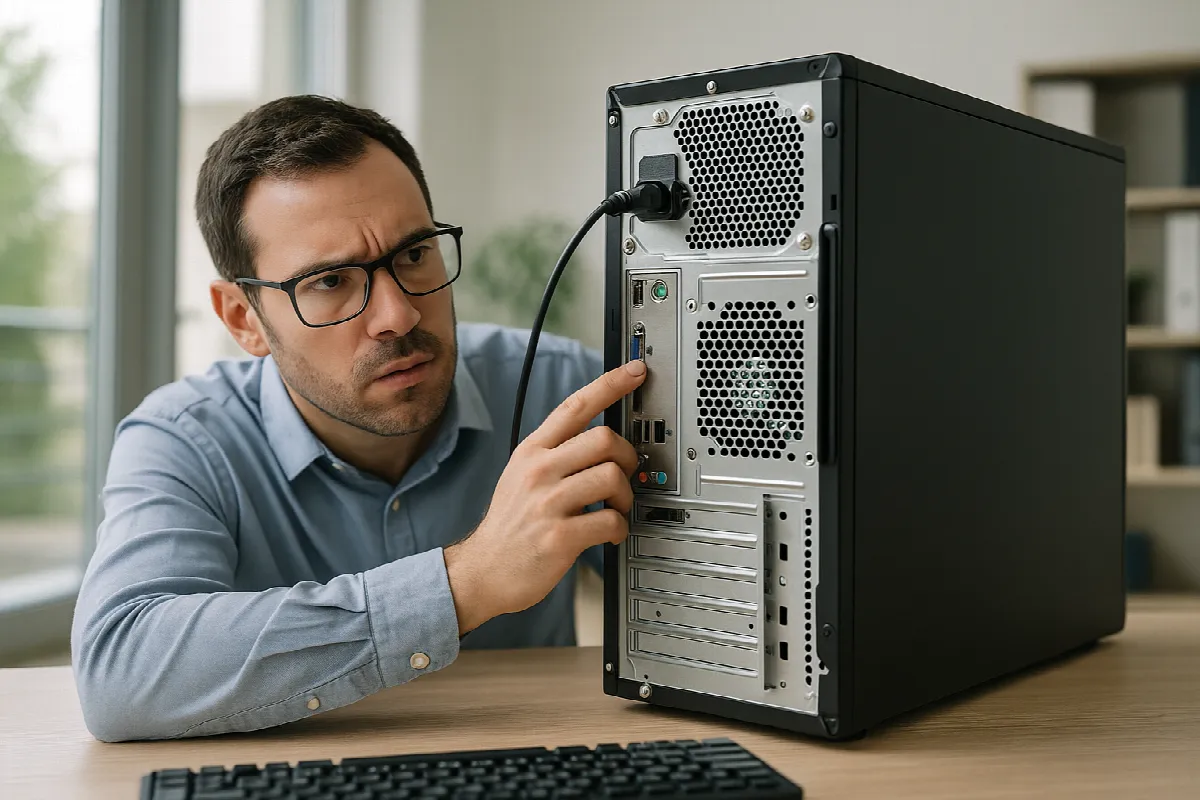
Start with the basics: confirm the PC is actually receiving power. Check that the power cable is firmly connected to the back of the computer and plugged into a working wall outlet, power strip, or UPS battery backup. If the computer is connected to a surge protector, make sure the switch is on and try plugging the PC directly into a wall outlet as a quick test.
Next, look for any signs of life. Do you see power lights on the desktop tower, monitor, docking station, or laptop charger? Do you hear fans spinning, beeps, or clicking sounds? If the computer turns on but the screen stays black, the issue may be with the monitor, video cable, docking station, or display settings rather than the PC itself.
For laptops, disconnect external devices and hold the power button for about 10 to 15 seconds, then try turning it on again with the charger connected. If the laptop has a removable battery, follow the manufacturer’s guidance before removing it. For office desktops, avoid opening the case unless your team has someone comfortable with hardware handling and electrostatic safety.
What San Ramon Teams Should Check Next Safely
If the PC still will not power on, remove unnecessary peripherals such as USB drives, printers, external hard drives, webcams, and docking stations. A faulty device can sometimes prevent startup or cause the system to hang. After disconnecting extras, try powering on again with only the keyboard, mouse, monitor, and power cable connected.
For businesses using Microsoft 365, cloud file storage, or line-of-business applications, it is important not to panic about the device itself. If files are properly synced to OneDrive, SharePoint, or backed up through a managed backup solution, your team may be able to continue working from another workstation while the issue is diagnosed. This is one reason a strong backup and endpoint management strategy matters for SMBs.
Also consider whether there were recent warning signs: random shutdowns, overheating, slow performance, unusual noises, battery swelling, failed updates, or power events during storms or outages. These details are helpful for IT support and can point to a failing power supply, battery, motherboard, storage drive, or operating system issue. Write down what happened and avoid repeatedly forcing the PC on and off if it appears damaged.
When to Call Blackhawk MSP for Helpdesk Support
Call professional IT support when the PC shows no power after basic checks, makes unusual noises, smells burnt, has visible damage, or contains important business data that is not clearly backed up. You should also stop troubleshooting if the machine starts but displays repeated errors, BitLocker recovery prompts, blue screens, or signs of possible malware. These situations can get worse if handled casually.
Blackhawk MSP can help East Bay businesses troubleshoot the issue remotely when possible, coordinate onsite support when needed, and determine whether repair or replacement makes more sense. We can also check whether the device is covered by warranty, help restore access to Microsoft 365 and business apps, and confirm that user data is protected through backup and security tools.
For San Ramon SMBs, a single failed PC is often a reminder to review the bigger picture: endpoint health, cybersecurity, backup coverage, device lifecycle planning, and helpdesk response times. With managed IT services, your team does not have to guess what to do next when technology fails during a busy workday.
If a PC in your office won’t turn on, start with the safe basics: power, cables, display, and peripherals. If those steps do not solve it, or if business data may be at risk, it is time to bring in experienced help.
Blackhawk MSP supports small and mid-sized businesses in San Ramon, the East Bay, and the greater San Francisco Bay Area with responsive helpdesk support, managed IT, cybersecurity, Microsoft 365, and backup services.
Need help with a workstation that will not power on? Contact Blackhawk MSP today and we’ll help you get your team back to work.