Windows Blue Screen Fixes for East Bay Teams
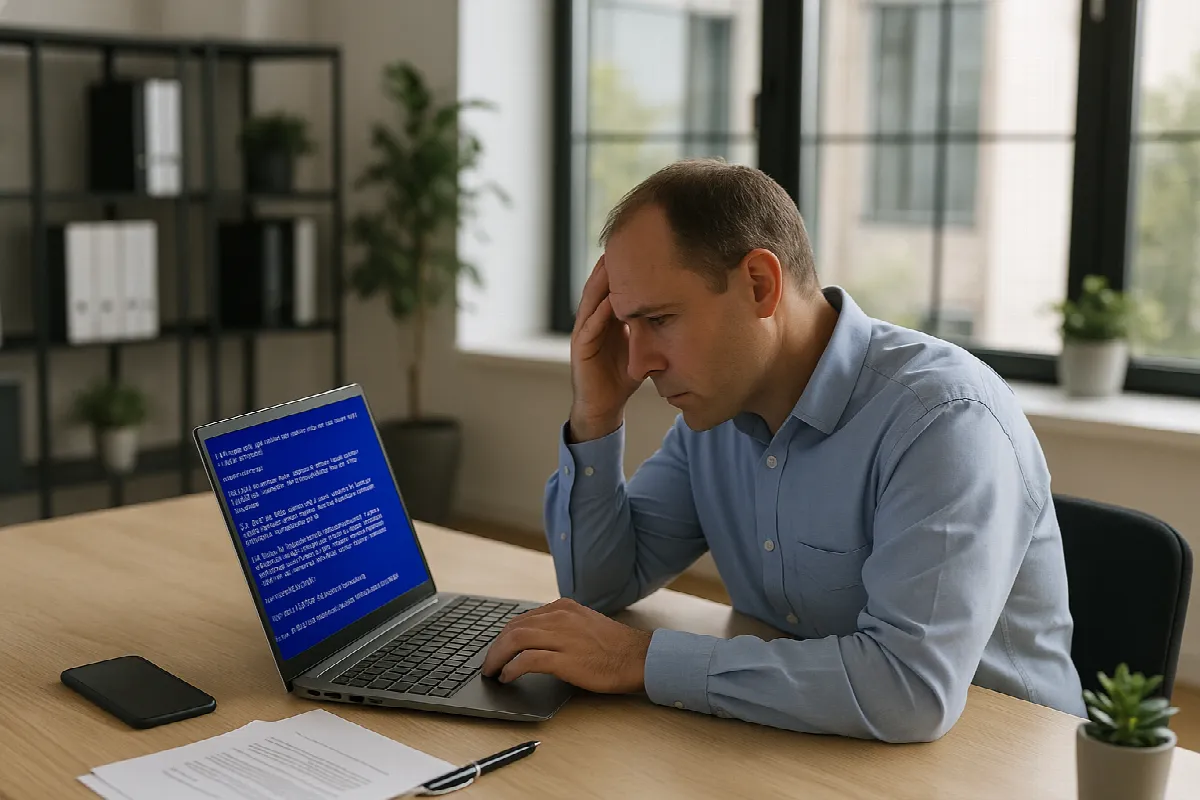
A Windows blue screen can bring work to a halt fast, especially when your team is trying to serve customers, join meetings, process orders, or finish projects on deadline. For small and mid-sized businesses in San Ramon and across the East Bay, Blue Screen of Death issues are more than a technical annoyance—they can disrupt productivity, create data concerns, and point to deeper problems with devices, drivers, updates, or security. Here are practical Windows blue screen fixes your team can try, plus guidance on when it is time to bring in local IT support.
Common Blue Screen Causes for East Bay Teams
A blue screen usually appears when Windows encounters a serious system error and shuts down to prevent further damage. Common causes include faulty hardware, bad drivers, failed Windows updates, overheating, memory problems, disk issues, or conflicts with security software. If the same device crashes repeatedly, it is worth treating the issue as more than a one-time glitch.
For East Bay businesses using Microsoft 365, cloud apps, line-of-business software, printers, docking stations, and remote work setups, driver and update conflicts are especially common. A laptop may work fine in the office but crash when connected to a dock, external monitor, VPN, or older peripheral. These details matter when troubleshooting because the cause is often tied to a specific pattern.
Blue screens can also be an early warning sign of larger IT risks. A failing hard drive, corrupted system files, or malware-related instability can put business data at risk. That is why Blackhawk MSP looks at BSOD issues in context—not just “how do we restart this PC,” but whether backups are working, security tools are healthy, and users can get back to work safely.
Quick Fixes Before You Call the Helpdesk
Start with the basics: restart the computer, note the blue screen error message or stop code, and write down what the user was doing right before the crash. If possible, take a photo of the screen. Details like “after plugging into the dock,” “during a Teams call,” or “after a Windows update” can save a lot of troubleshooting time.
Next, disconnect unnecessary peripherals such as USB drives, docks, printers, webcams, or external monitors, then restart the device. If Windows loads normally, reconnect devices one at a time to see whether the crash returns. You can also check for pending Windows updates, update device drivers through trusted sources, and make sure the computer has adequate ventilation.
If the blue screen repeats, avoid repeatedly forcing restarts without a plan. Make sure important files are backed up before attempting deeper fixes. Businesses should be especially careful with devices that store local accounting files, customer documents, or operational data. If the machine is mission-critical, it is usually better to involve IT support before the problem becomes data loss or extended downtime.
Get Local BSOD Help From Blackhawk MSP
Blackhawk MSP helps San Ramon and East Bay businesses troubleshoot blue screen issues quickly and methodically. We can review crash patterns, check Windows event logs, test hardware health, update drivers, validate endpoint protection, and determine whether the issue is isolated to one computer or part of a broader environment problem. Our goal is to get your team working again without guesswork.
Because we provide managed IT services, we also look beyond the immediate blue screen. We can help confirm that backups are running, Microsoft 365 data is protected, devices are patched properly, and cybersecurity tools are not misconfigured or missing. If a workstation needs repair or replacement, we can help plan that transition with minimal disruption to the user.
For businesses with hybrid teams across the greater East Bay and San Francisco Bay Area, having a responsive local IT partner can make a real difference. Whether your team needs helpdesk support, proactive monitoring, device management, backup planning, or cybersecurity guidance, Blackhawk MSP is here to help keep your systems stable and your people productive.
If Windows blue screens are slowing down your team, do not wait for the next crash to interrupt the workday. Contact Blackhawk MSP for friendly, local IT support for your San Ramon or East Bay business.