Windows Update Wont Install Business PC Fixes
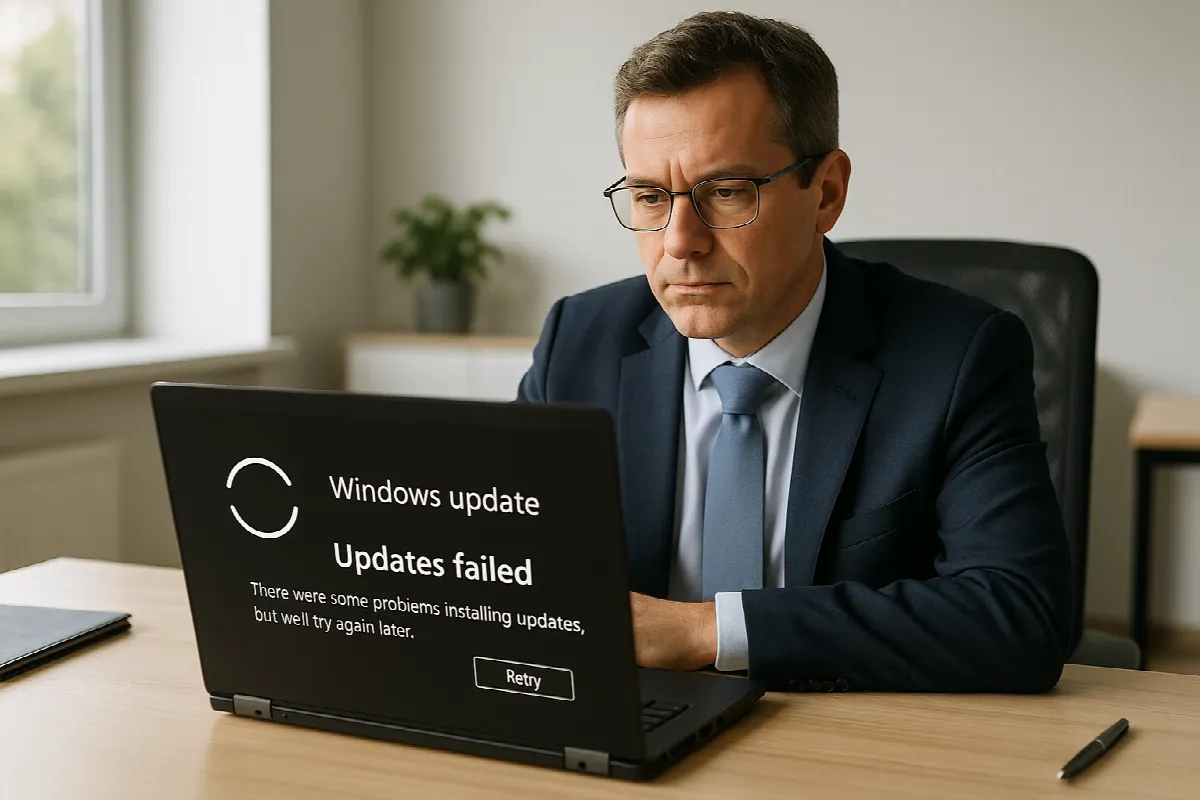
Windows updates always seem to choose the worst possible time to fail—right before a client meeting, during payroll, or when your team is trying to wrap up work for the day. For small and mid-sized businesses in San Ramon and across the East Bay, a single PC that will not install updates can quickly become more than an annoyance. It can create security gaps, software issues, and lost productivity.
At Blackhawk MSP, we help Bay Area businesses keep Windows PCs, Microsoft 365, backups, cybersecurity tools, and helpdesk support running smoothly. If Windows Update will not install on a business computer, there are a few practical steps you can try before escalating the issue.
Why Windows Updates Fail on Business PCs
Windows updates can fail for several common reasons, and not all of them are obvious. A PC may be low on storage space, stuck with a previous incomplete update, or blocked by a corrupted update cache. In some cases, the device simply needs a clean restart, especially if it has been sleeping instead of fully shutting down for weeks.
Business PCs also tend to have more moving parts than home computers. Antivirus software, endpoint security tools, VPN clients, line-of-business applications, and device management policies can all affect how updates install. If your San Ramon office uses Microsoft 365, remote access tools, or compliance-focused security software, update problems may be connected to how those systems interact.
There can also be network-related causes. A weak Wi-Fi connection, firewall restrictions, DNS issues, or a misconfigured update policy can prevent Windows from downloading or applying updates correctly. For companies with multiple locations around the East Bay or hybrid employees working from home, inconsistent networks can make update troubleshooting more complicated.
Quick Fixes Before You Call the Helpdesk
Start with the basics: restart the computer fully, then try Windows Update again. Choose Start > Power > Restart instead of simply closing the lid or using sleep mode. After the reboot, go to Settings > Windows Update and check for updates manually. If the update failed because Windows was waiting on a restart, this may resolve it.
Next, check available disk space. Windows updates need room to download, unpack, and install files. Open Settings > System > Storage and look for large temporary files, old downloads, or unnecessary local files that can be removed. Be careful not to delete business documents unless you know they are backed up to OneDrive, SharePoint, or another approved company backup location.
If the issue continues, try disconnecting from VPN temporarily if your company policy allows it, then run Windows Update again from a stable internet connection. You can also run the built-in troubleshooter by going to Settings > System > Troubleshoot > Other troubleshooters > Windows Update. If your PC is managed by your company or MSP, avoid making deeper system changes without checking with IT first.
When San Ramon Teams Need Managed IT Support
If Windows Update repeatedly fails across several computers, that usually points to a broader issue. It could involve update policies, endpoint protection settings, network filtering, or device management configuration. In that situation, fixing one PC at a time is not enough—you need to identify the root cause before it affects more employees.
Managed IT support can help keep updates predictable instead of disruptive. At Blackhawk MSP, we help businesses in San Ramon, the greater East Bay, and the San Francisco Bay Area monitor device health, manage patching, support Microsoft 365, review security tools, and provide responsive helpdesk assistance when users get stuck. The goal is to keep your team working securely without turning every update failure into an emergency.
Windows updates are also a cybersecurity issue. Missing updates can leave business PCs exposed to known vulnerabilities, especially for remote and hybrid teams. A strong MSP approach includes patch management, backup planning, endpoint security, and user support so your business is not relying on luck when something breaks.
If Windows Update will not install on one PC—or if update problems are becoming a pattern across your business—Blackhawk MSP can help. Contact our team for friendly, practical managed IT support for your San Ramon or Bay Area business.